Your data stays in your office. Period.
Digihand was built for businesses who don't want to take risks with their data. Everything runs on a computer that you own that sits in your office. Even we can't see your data.
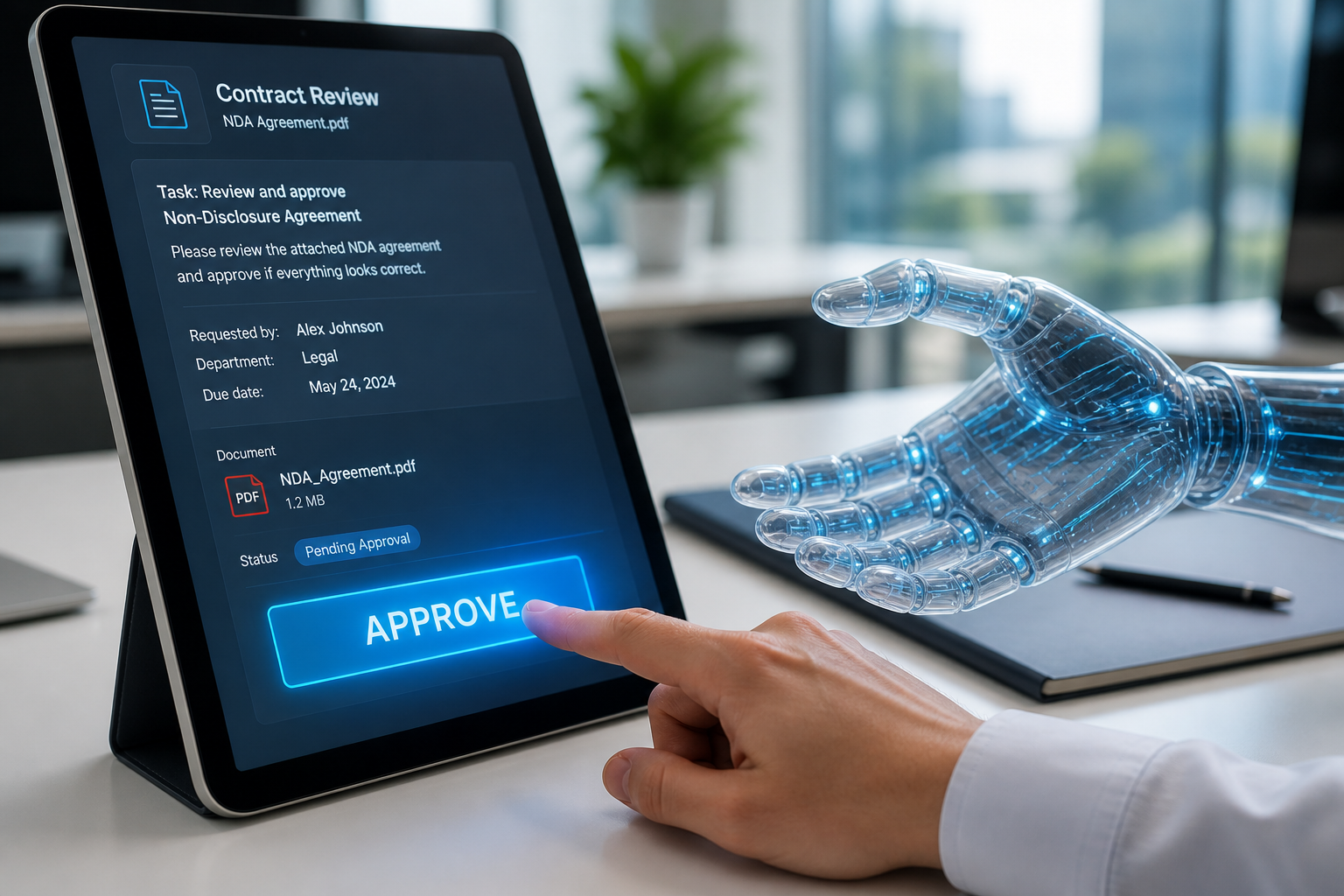
Digihand was built for businesses who don't want to take risks with their data. Everything runs on a computer that you own that sits in your office. Even we can't see your data.
Most AI tools ask you to trust them with your data and your login credentials.
Upload it to their cloud. Let them process it on their servers.
Trust them to keep it safe.
None of your data leaves your office — including login credentials to integrate with your systems. Even Digihand cannot see your data.
| Data type | Where it stays |
|---|---|
| Documents and files | On the computer in your office |
| Emails and call transcripts | On the computer in your office |
| Login credentials for integrations | Encrypted on the computer in your office |
| Workflow reports | Compiled on the computer, delivered to you |
| Usage counts | Usage counts of agent actions sent to Digihand for billing — No content, just counts |
The computer in your office uses full-disk encryption (AES-256). If someone physically stole the device, they couldn't access your data without the encryption key. All communication between the device and external services uses TLS 1.3 — the same encryption used by banks.
AES-256 (FileVault)
TLS 1.3
Encrypted keychain
When Digihand integrates with your systems — your CRM, email, accounting software — the login credentials are stored locally on the device in your office. They're encrypted and never transmitted to us.
We can't see your passwords. We can't access your accounts. Only the AI agents running on your device can use them — and only for the tasks you've approved.
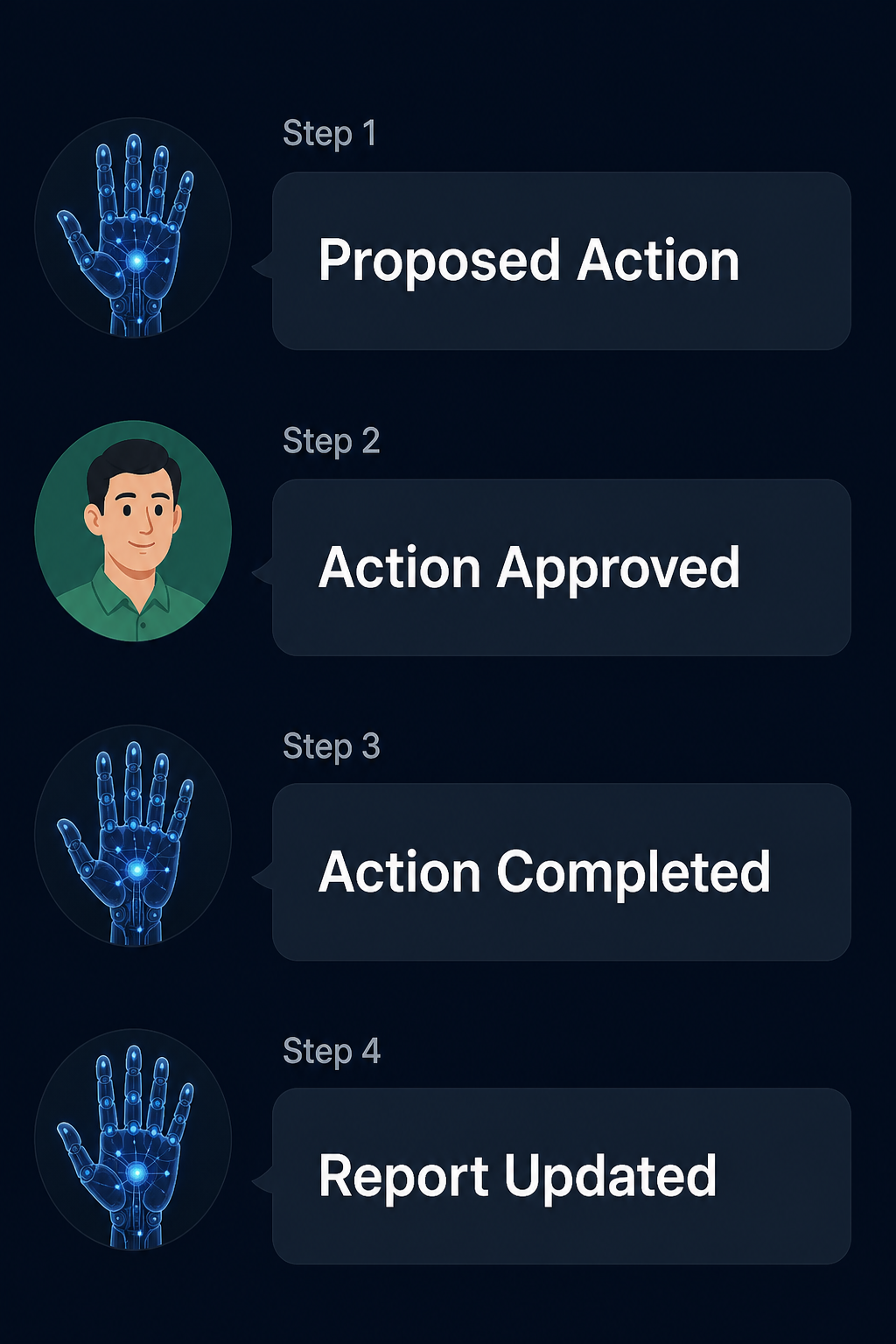
AI agents don't act on their own. They propose actions and wait for a human to approve. Every email, every update, every outbound message — someone on your team signs off before it happens.
You see what the AI wants to do. You approve, modify, or reject. Then it acts.
Our support team can access logs and configuration to help troubleshoot issues — but they cannot see the content of your emails, calls, documents, or any other business data.
| Who | What they can access |
|---|---|
| Your employees | Interact with agents via Slack/Teams |
| Your leadership | Full dashboard, reports, settings |
| Digihand support | Logs and configuration only |
| Digihand admin | Logs and configuration only |
| Your business data | No one at Digihand — ever |
Because your data stays on-premise, Digihand is designed to support your compliance requirements — not complicate them.
| Standard | How Digihand supports it |
|---|---|
| GDPR | Compliant by design — personal data stays in your location, no cross-border transfers |
| SOC 2 |
Security: AES-256 encryption at rest, TLS 1.3 in transit, access controls, no external data storage Confidentiality: Data stored locally, credentials encrypted in secure keychain, no third-party access Processing Integrity: Human approval required before any action, full audit trail of all agent activity Availability: Local device with automatic recovery, no dependency on external cloud services |
| ISO 27001 |
Access Control: Role-based access via Slack/Teams, leadership controls all permissions and budgets Cryptography: Full-disk encryption (FileVault/AES-256), encrypted credential storage, TLS 1.3 Operations Security: Automated logging, activity monitoring, exception reporting to leadership Supplier Relationships: Digihand has no access to your business data — only logs and configuration for support |
SOC 2 Type II and ISO 27001 certifications in progress.
Book a consultation and we'll walk through exactly how Digihand protects your data — and answer any questions from your team or IT advisors.
Request a Consultation