How Digihand works
AI agents that handle repetitive tasks, work alongside your team, and give you full visibility into what's happening across your business.
AI agents that handle repetitive tasks, work alongside your team, and give you full visibility into what's happening across your business.
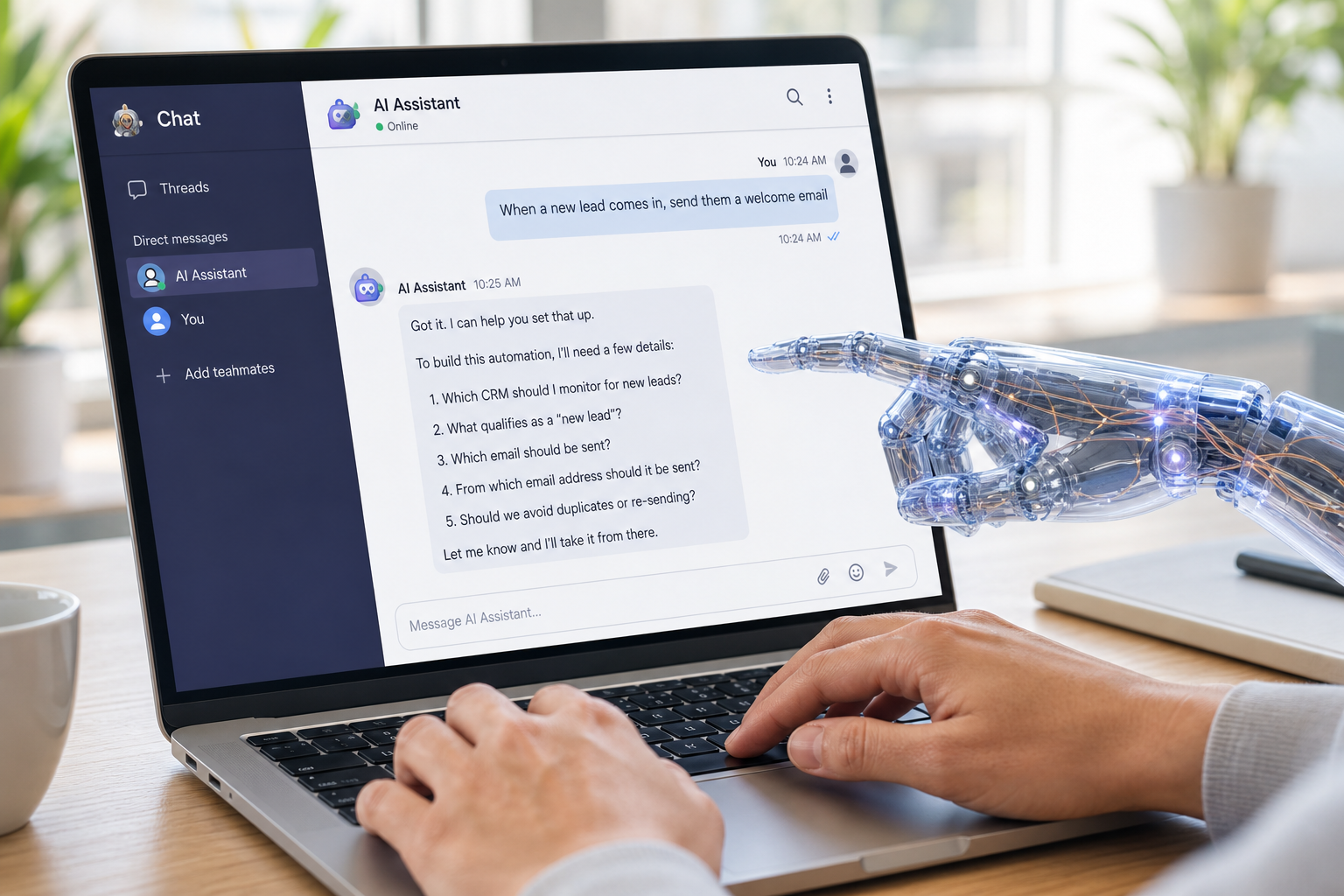
Digihand agents are integrated directly into your Teams or Slack workspace. Each agent has its own channel — just like a colleague would.
Your team interacts with agents the same way they chat with coworkers. All interactions — requests, approvals, and reports — happen right there in the channel. No separate apps. No new logins. No training required.
There's a special channel called #new-agent-builder. When an employee needs a new automation, they just describe what they need — in their own words. The agent asks all the necessary questions, identifies which systems need to be connected, and builds the automation.
"When a new lead comes into our CRM, send them a welcome email and notify the sales team"
"Every morning, check for overdue invoices and send a reminder to the customer"
"When a support ticket is marked resolved, follow up with the customer after 3 days"
No code. No complicated tools. Just a conversation. Once the automation is ready, you review, approve, and it's live.
Once an automation is set up, it runs continuously — monitoring your systems, taking action when triggered, and reporting back.
| Triggers | New email, form submission, calendar event, time of day, system update |
| Actions | Send messages, update records, create documents, route tasks, send notifications |
| Approvals/Exceptions | When needed, the agent asks for human approval or direction before taking action |
Your team doesn't need to remember to do these tasks. They happen automatically, consistently, every time.
Beyond scheduled automations, your team can interact with Digihand agents directly in chat — similar to how you might use ChatGPT or Claude in a browser, but now it's all within Teams or Slack.
The difference: Digihand knows your company. It has access to your systems, your branding, your positioning, and your processes. So when you ask for help, the response is tailored to your business.
"Can you pull together the sales numbers for last week?"
"Draft a follow-up email to the client we met yesterday — use our standard tone"
"Create 5 images for a new ad campaign that fits our brand guidelines."
The agent responds with information, drafts, or proposed actions — always waiting for approval before doing anything.
Every time an agent completes a task, it logs what happened: what was done, when, how long it would have taken manually, and the outcome.
This data feeds into automated reports that give leadership a complete picture:
| What's happening | Tasks completed across marketing, sales, support, operations, finance |
| What business KPIs changed | Easily see changes to sales, revenue, expenses, support and more |
| How much time is saved | Tracked automatically based on manual time estimates |
No manual reporting. No spreadsheets. The visibility comes from the work itself.
Book a consultation and we'll walk through how Digihand would handle your specific workflows — from automation to reporting.
Request a Consultation